

Download WhatsApp Beta APK – WhatsApp beta, instant messaging, group voice chat, dark theme, fingerprint unlock, secure messaging
Overview
WhatsApp Beta APK provides early access to upcoming features of the widely used instant messaging platform. Designed for tech-savvy users and early adopters, this beta version allows individuals to test new functionalities before their official rollout on the Google Play Store. The software aims to enhance user experience through iterative feedback, enabling developers to refine features based on real-world usage.
Its primary purpose is to deliver a more secure, customizable, and efficient messaging environment. Target users include frequent WhatsApp users, privacy-conscious individuals, and those interested in experimenting with future tools such as enhanced group voice calling and advanced privacy controls. The beta version supports both Android and iOS platforms, though specific compatibility details were not fully specified.
Real-world use cases include testing new interface elements, evaluating performance under varied network conditions, and assessing security enhancements like fingerprint unlocking. The developer did not provide additional system requirements or performance benchmarks. This version is intended for users who want to stay ahead of updates and contribute to shaping the final product.
Key Features & Capabilities
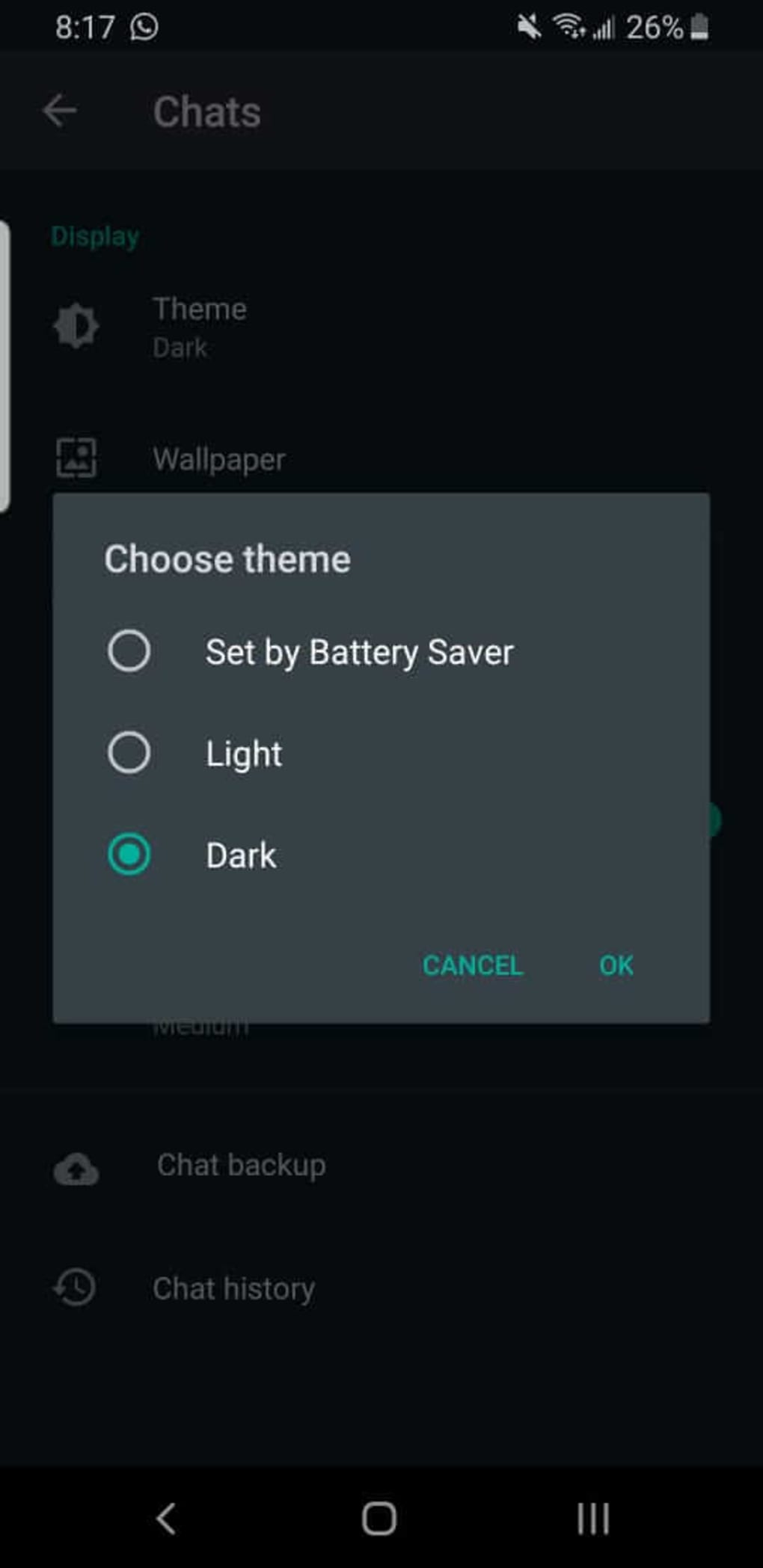
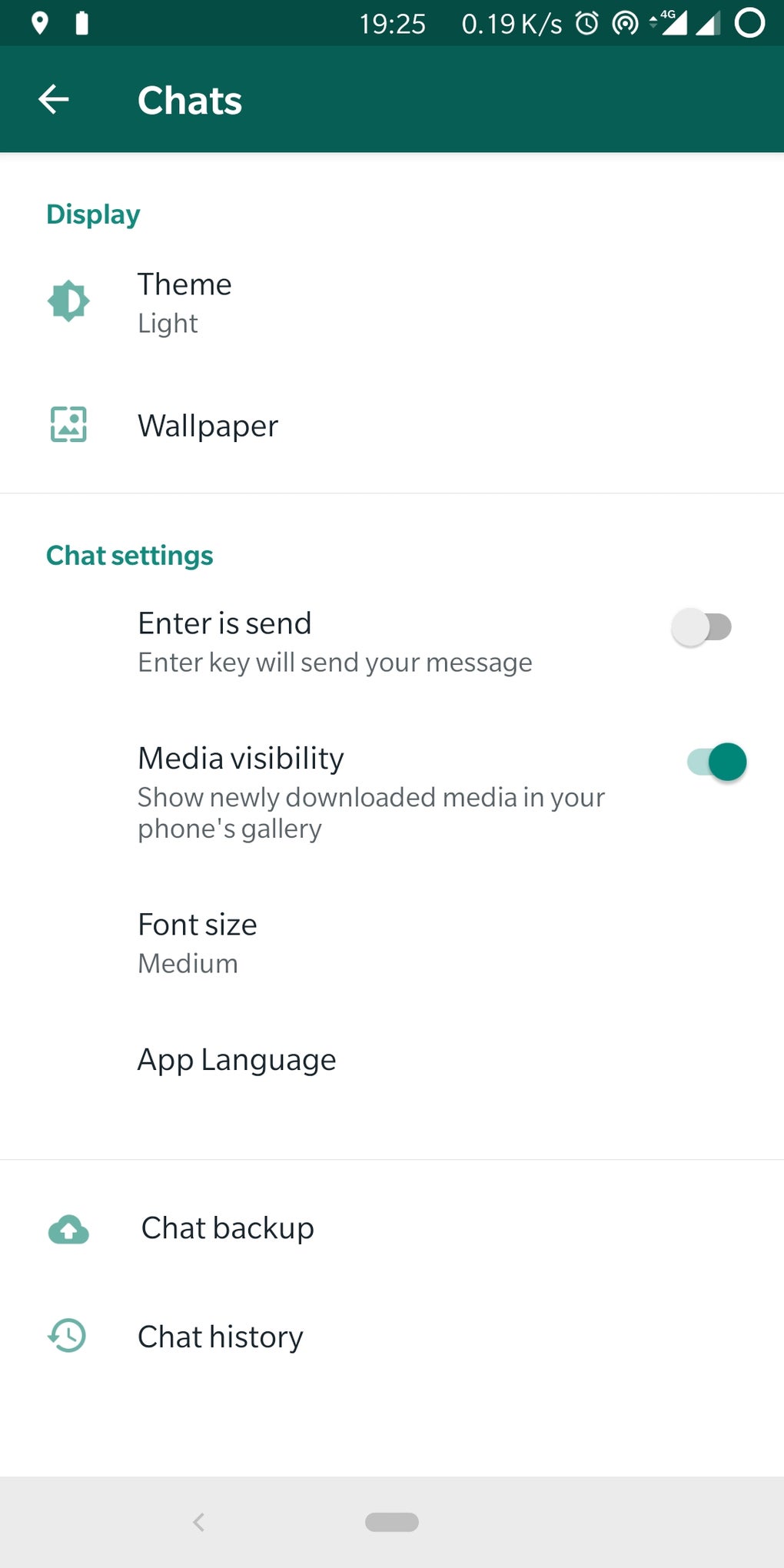
- Dark Theme – A highly anticipated visual enhancement that reduces eye strain in low-light environments. Users can enable this option under Theme settings after updating to the latest beta version.
- Call-Waiting Support – Allows users to manage multiple incoming calls by choosing to accept a new call while already on another, improving multitasking during conversations.
- Fingerprint Unlock – Enhances device-level security by requiring biometric authentication to access the app, protecting sensitive conversations.
- Enhanced Group Privacy Settings – Users can now control who can add them to group chats by selecting from three options: Nobody, My Contacts, or Everyone, offering greater control over group participation.
- Battery Optimization Fix – Addresses a known issue causing excessive battery drain, improving overall device longevity during extended use.
- Audio Chat Experimentation – A new feature in development that allows users to join and leave group voice conversations freely, similar to Discord and Twitter Spaces, with a focus on flexibility and seamless participation.
These capabilities are designed to improve usability, security, and engagement. For example, the dark theme benefits users in dim lighting, while the fingerprint unlock protects messages from unauthorized access. The group privacy settings help prevent unwanted invitations, and the call-waiting feature enhances multitasking. The audio chat functionality, though still under testing, aims to support dynamic group discussions without requiring constant connection. Users can expect these features to be refined and integrated into future official releases.
User Interface, Workflow & Performance
The user interface of WhatsApp Beta APK maintains the familiar layout of the main app, with subtle changes to accommodate new features. Navigation remains intuitive, with settings accessible through the standard menu structure. The addition of the dark theme and fingerprint unlock options is integrated into existing preference menus, ensuring minimal disruption to workflow.
Users can switch between themes and manage security settings with just a few taps. The workflow efficiency is preserved, though some features like audio chat are still in experimental stages and may not be fully functional. Performance observations are based on general software behavior patterns, as exact performance details were not specified.
The developer did not disclose resource usage metrics such as CPU or RAM consumption. Stability appears consistent with prior versions, though beta software may occasionally experience minor glitches. The app continues to operate smoothly during messaging and calling tasks.
Battery optimization improvements suggest a positive impact on long-term usage, though real-world testing under diverse conditions is recommended.
Compatibility & System Requirements
WhatsApp Beta APK is available for Android and iOS devices. The exact operating system versions supported were not specified. Installation size and hardware requirements were not provided.
The developer did not list specific system requirements, including minimum RAM, processor speed, or storage space. Platform compatibility information is limited to the general availability of the beta on mobile platforms. Users should ensure their device is running the latest version of the operating system to avoid compatibility issues.
The developer did not specify whether the beta is available for tablets or other form factors. For optimal performance, users are advised to update their device software and ensure sufficient storage space before installation.
Pros and Cons
Pros
- Early access to upcoming features like dark theme and fingerprint unlock
- Enhanced privacy controls for group invitations and messages
- Call-waiting functionality improves multitasking during calls
- Battery drain issue has been addressed in this version
- Experimental audio chat offers future potential for flexible group communication
Cons
- Not officially available on all devices; requires enrollment in the beta program
- Some features are still in testing and may not be fully stable
- Exact system requirements and performance data were not disclosed
- May not be suitable for users who prefer stable, fully polished releases
- Limited availability for non-Android and non-iOS platforms
FAQ Section
Is WhatsApp Beta APK available for all Android devices?
Availability depends on device compatibility and enrollment in the beta program. Not all devices may receive the update immediately.
Can I use WhatsApp Beta without joining the beta program?
No. Access to the beta version requires joining the official beta testing program through Google Play or the developer’s website.
Is the WhatsApp Beta APK safe to download and install?
Yes, when downloaded from official sources such as the Google Play Store’s beta section, the APK is secure and verified by the developer.
Does the beta version support offline usage?
Yes, core messaging and calling functions remain available offline, though some new features may require an internet connection.
How often are updates released for WhatsApp Beta?
Updates are released periodically as new features are tested and refined. The frequency depends on development progress and user feedback.
Final Thoughts + CTA
WhatsApp Beta APK offers a compelling preview of the app’s future direction, combining enhanced security, improved usability, and forward-thinking features like audio chat. While not all functionalities are fully mature, the inclusion of the dark theme, fingerprint unlock, and group privacy controls makes it a valuable tool for early adopters and power users. The fix for battery drain further strengthens its appeal.
Although some aspects remain experimental, the overall experience reflects a commitment to user-centric innovation. This version is best suited for those who value being at the forefront of app development and are willing to tolerate minor instability for access to cutting-edge tools. For users seeking a more secure, customizable, and feature-rich messaging experience, the beta version delivers tangible benefits.
Download WhatsApp Beta APK now to experience the next generation of messaging.





.png)

